 personal trainer

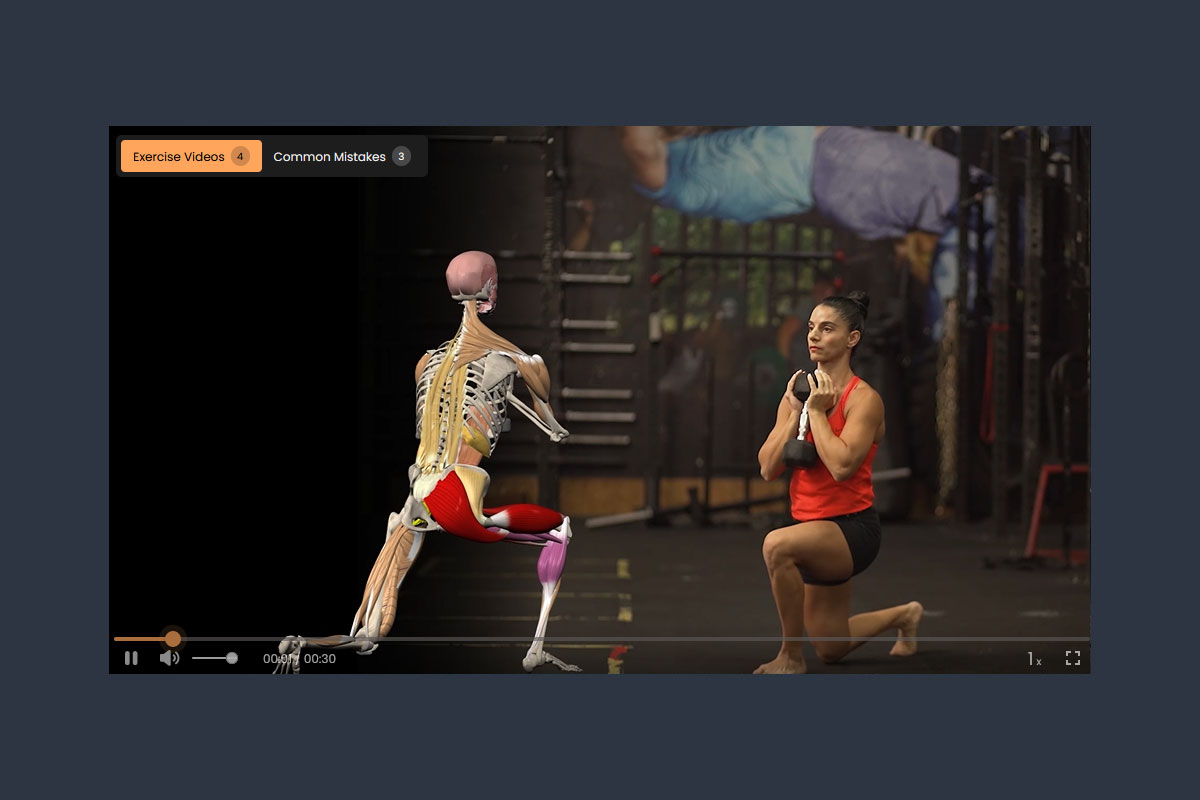
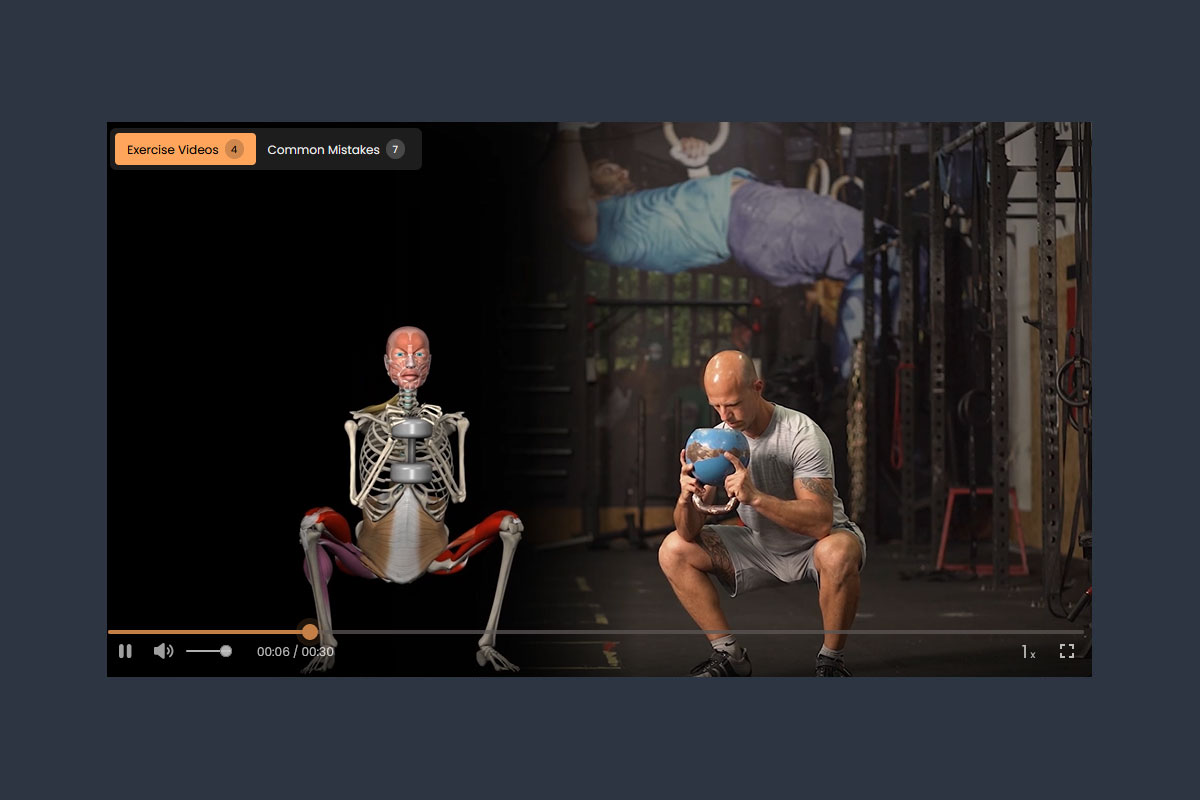
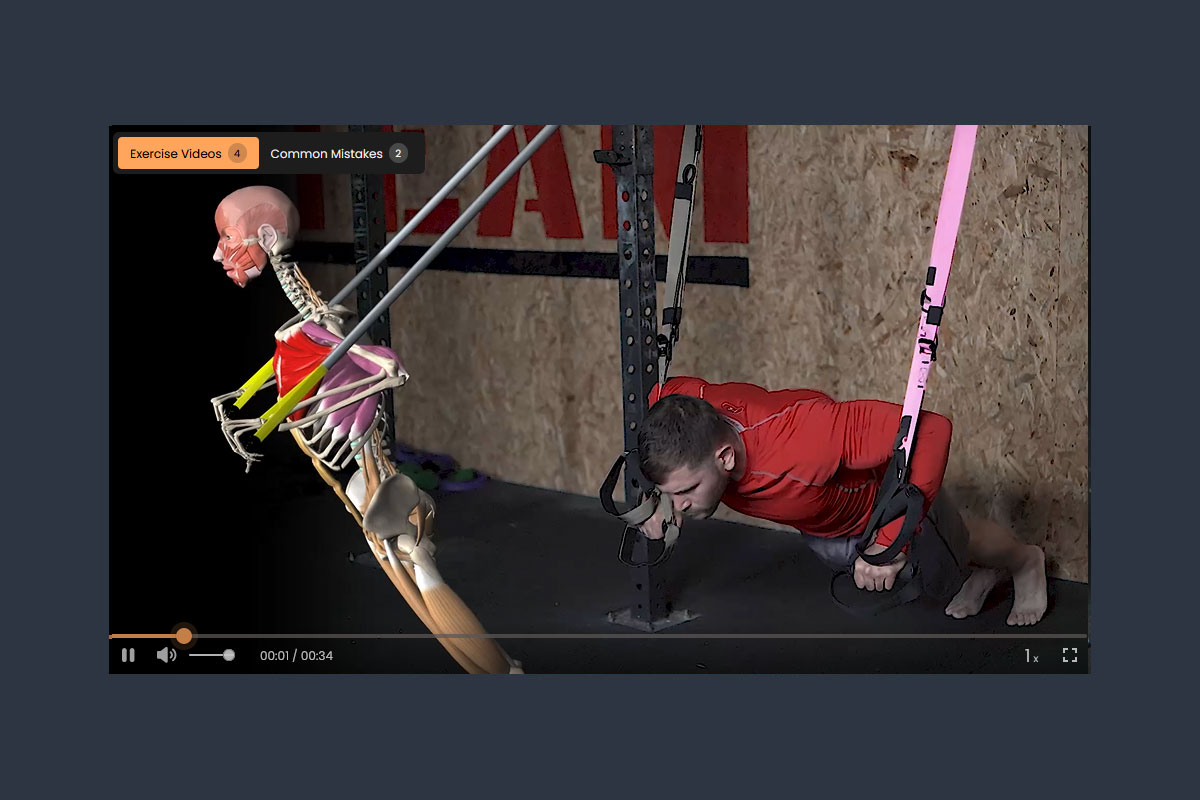
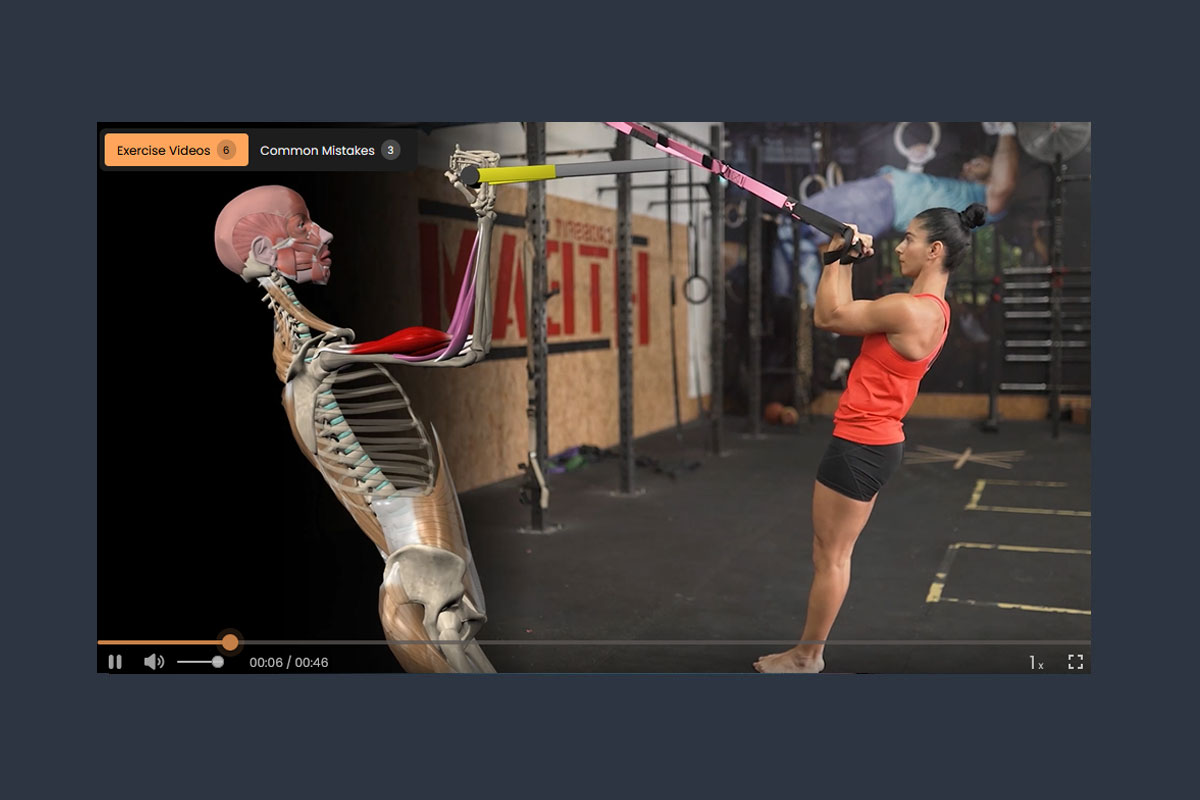
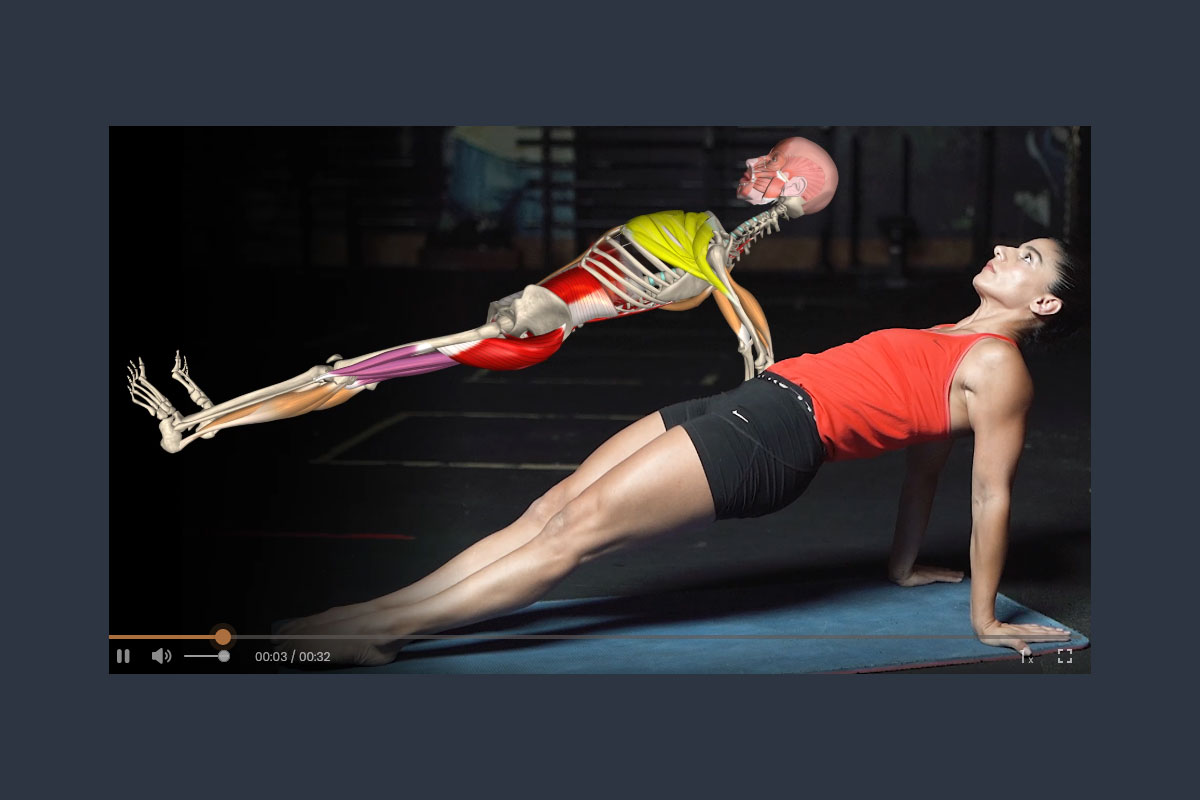
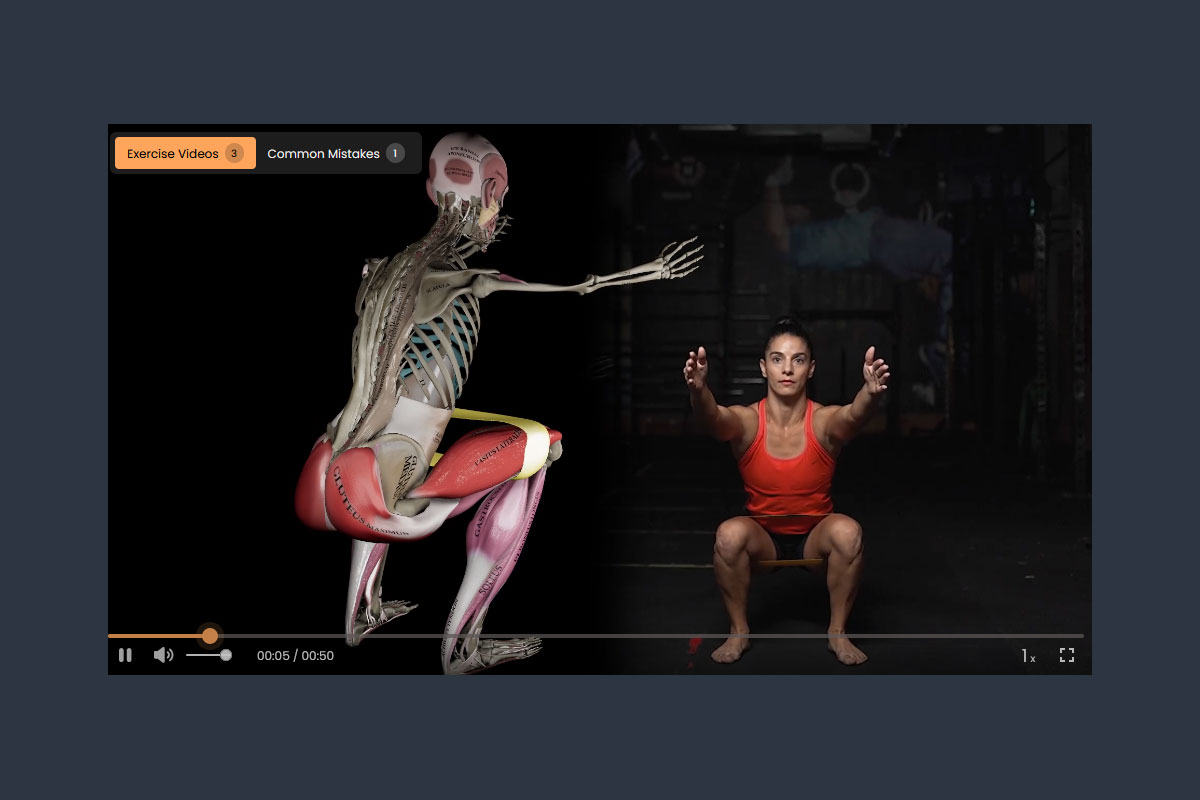
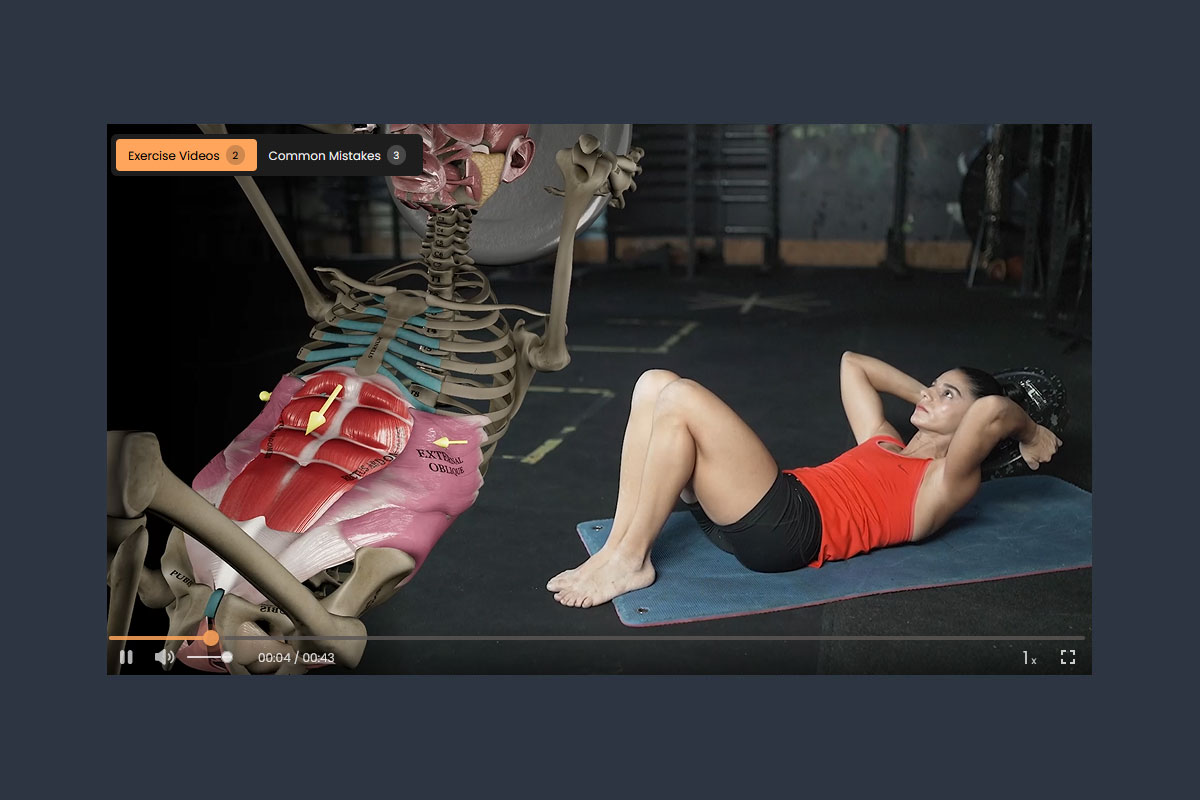
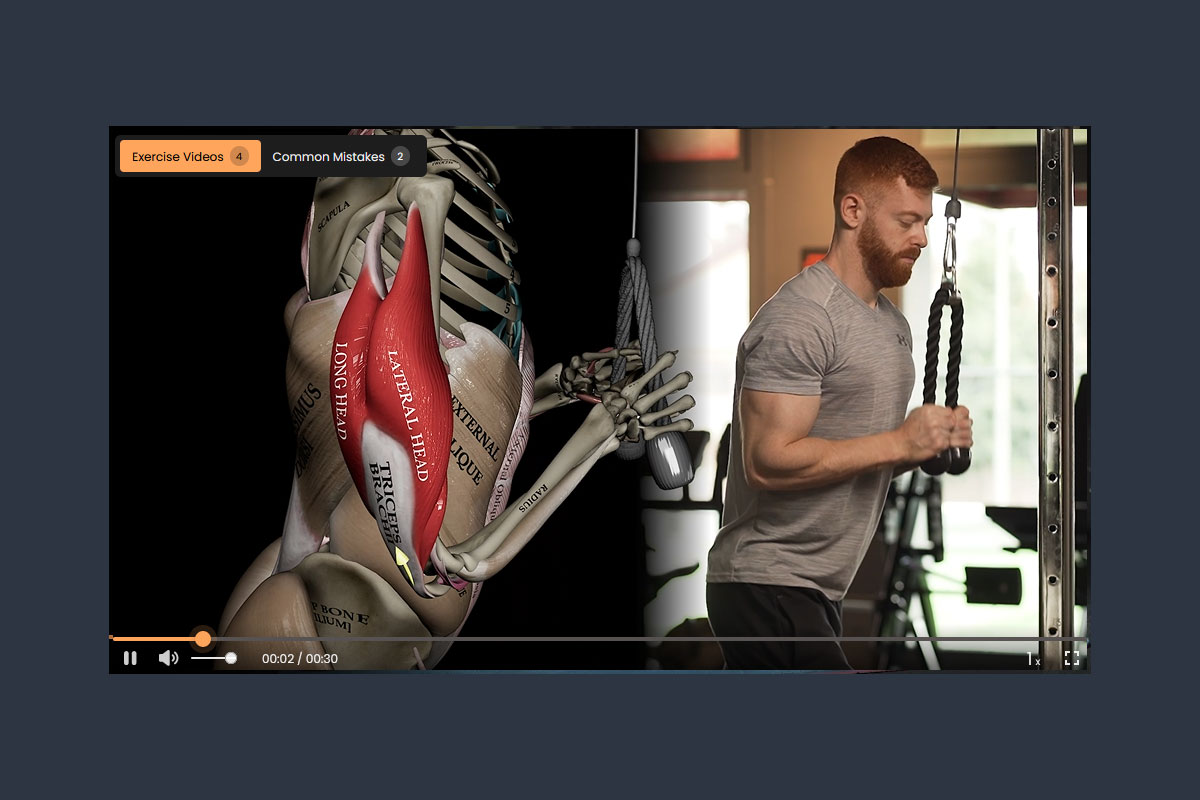
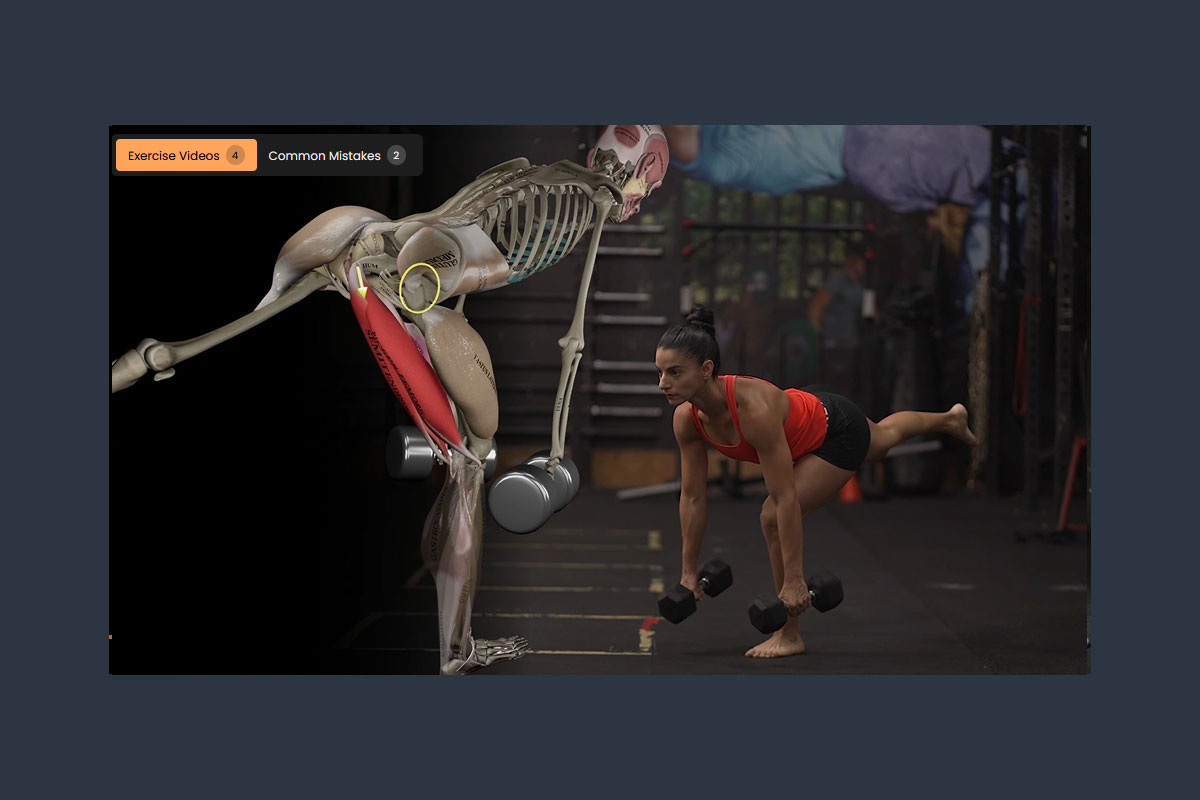
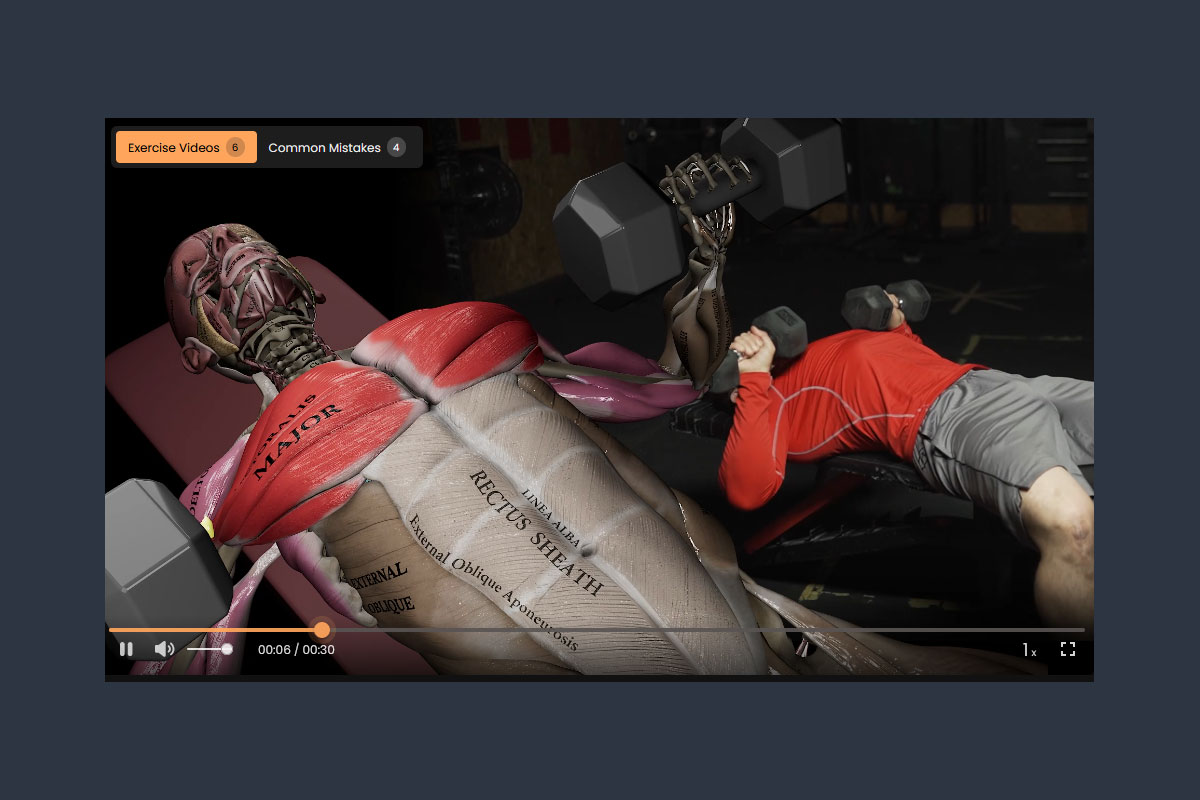
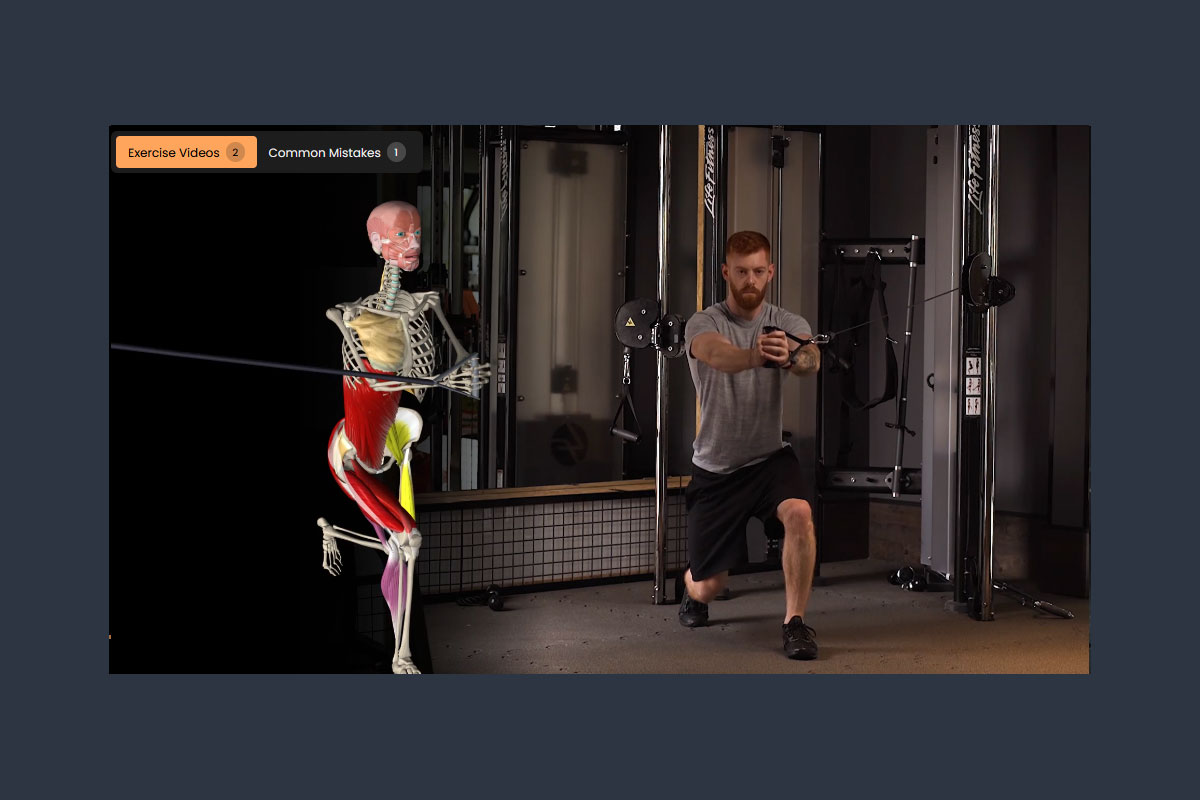
How to View the Demo:
To explore the MuscleRx demo, start by downloading the app from the App Store or Google Play using the links in the left navigation or by scanning the QR Codes below.Once installed on your device, open the app and log in using the provided demo username (demo@musclerx.app) and password (musclerx123). You’ll then have full access to a sample workout plan so you can experience how the MuscleRx training system works.
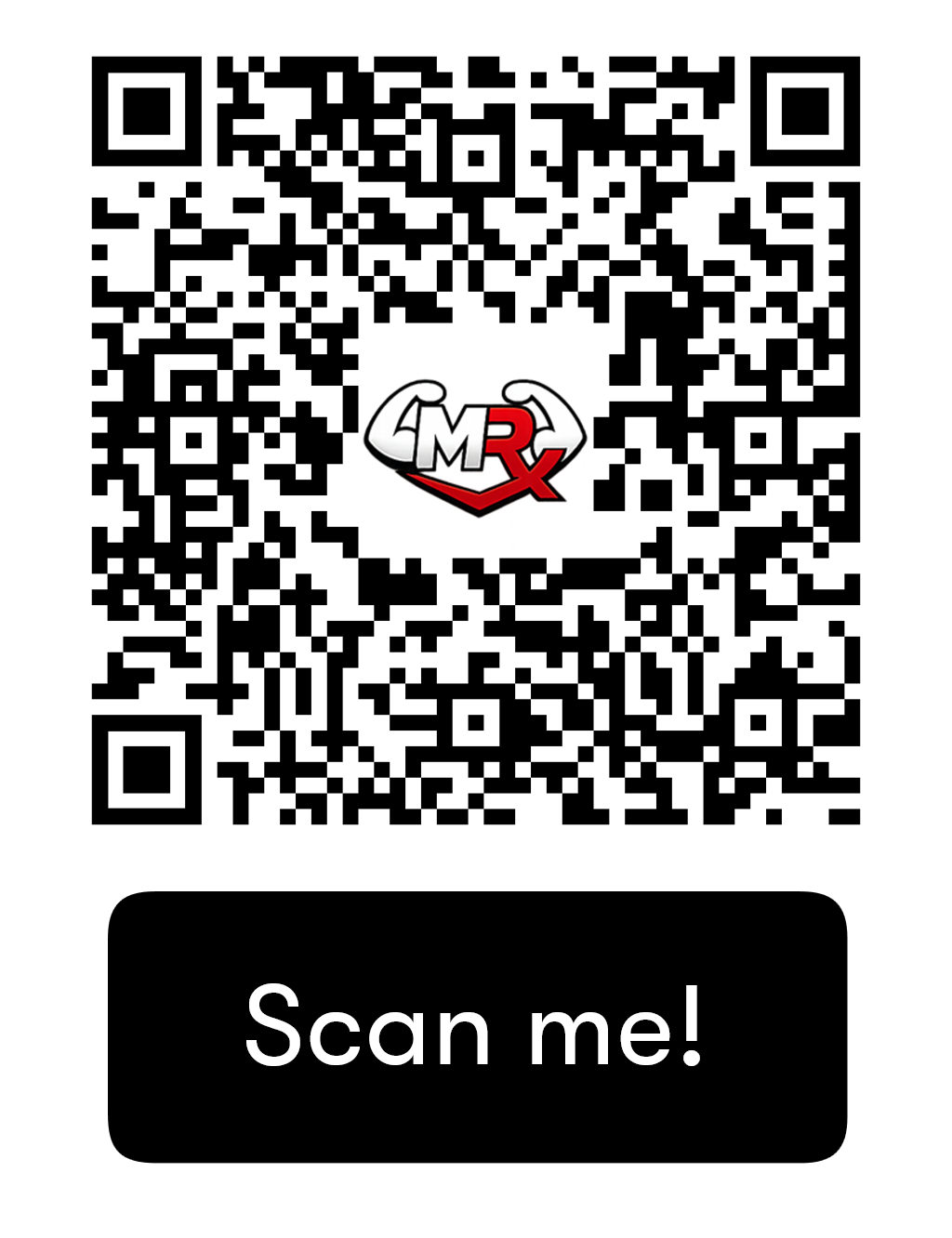
Google Play Store
Get the workout App on Google Play store.
Apple App Store
Get the workout App on the APPLE App Store.
Answers: most common Demo questions
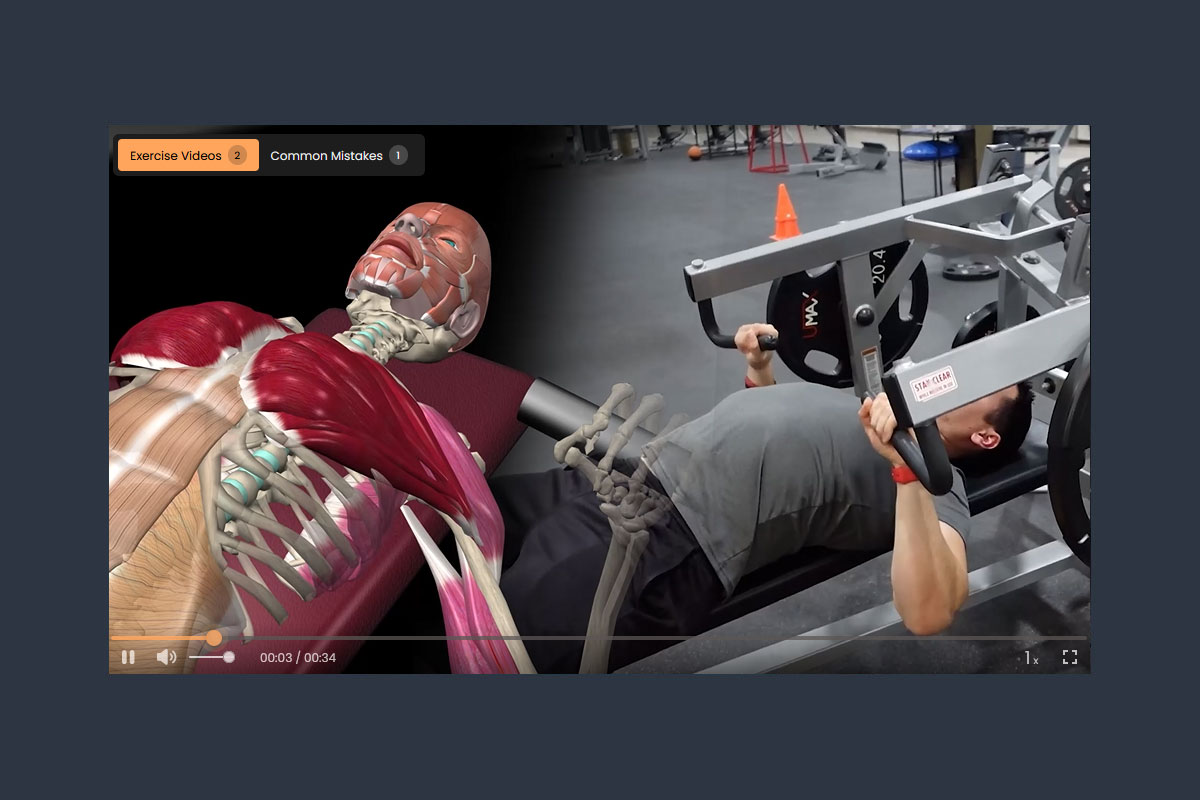
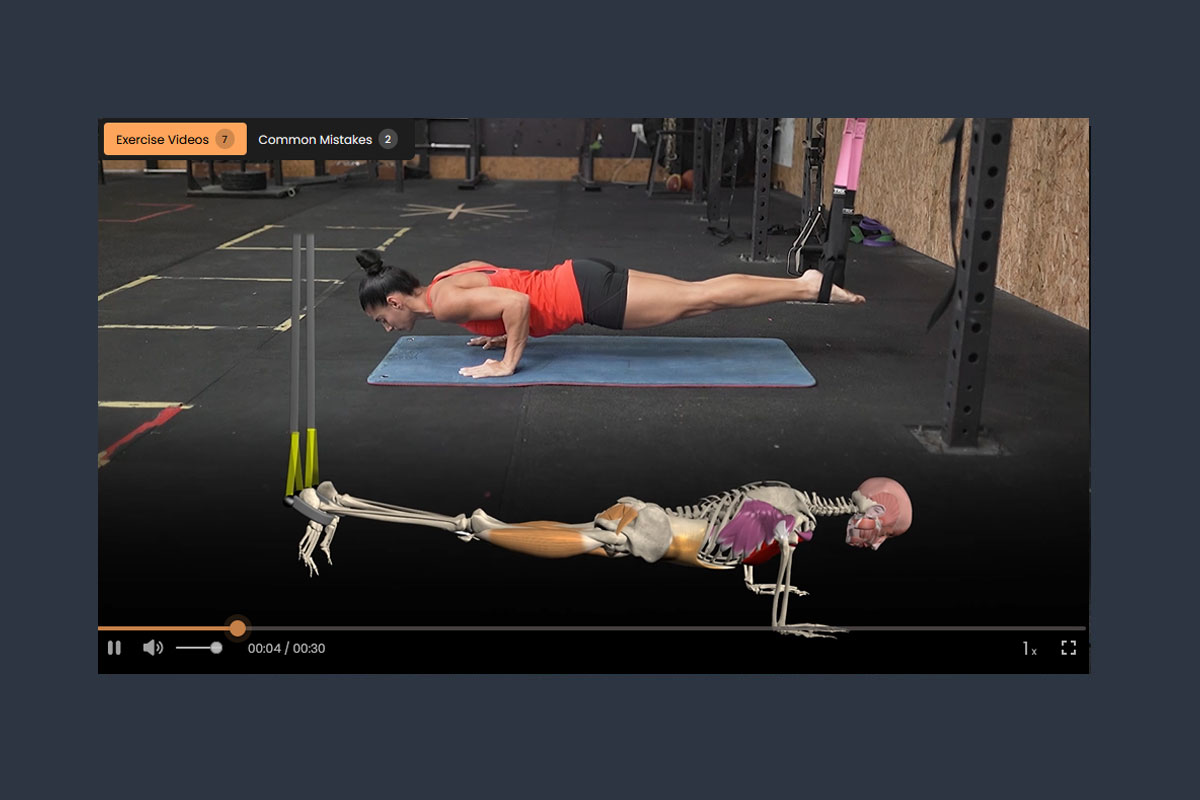
The demo workout includes a fully structured training plan designed to show how MuscleRx works. You’ll see how exercises, sets, reps, and training methods are combined into a clear, step-by-step workout—just like a personalized training prescription.
No. Simply download the app and log in using the demo username (demo@musclerx.app) and password (musclerx123) provided. This allows you to explore the demo workout without creating an account.
The demo workout is a sample designed to show how the MuscleRx system works. When you sign up, your workouts are fully personalized based on your goals, experience level, and preferences—creating a true training prescription built specifically for you.
Most fitness apps leave you guessing—offering random workouts or overwhelming libraries. MuscleRX delivers a structured training system that combines exercises, sets, reps, and proven methods into a clear, guided plan. No guesswork—just a prescription you can follow. Each program is designed in 4-week cycles, then intelligently updated for the next phase to keep your body progressing. No boredom. No monotony. Just fresh workouts that keep motivation high.
Download the app (you needed to download the app to see the demo), complete a short input form, and receive your personalized training prescription inside the app—ready to follow from day one. Please see https://musclerx.app/get-started-checklist.html